
Manual, Assisted and Automatic
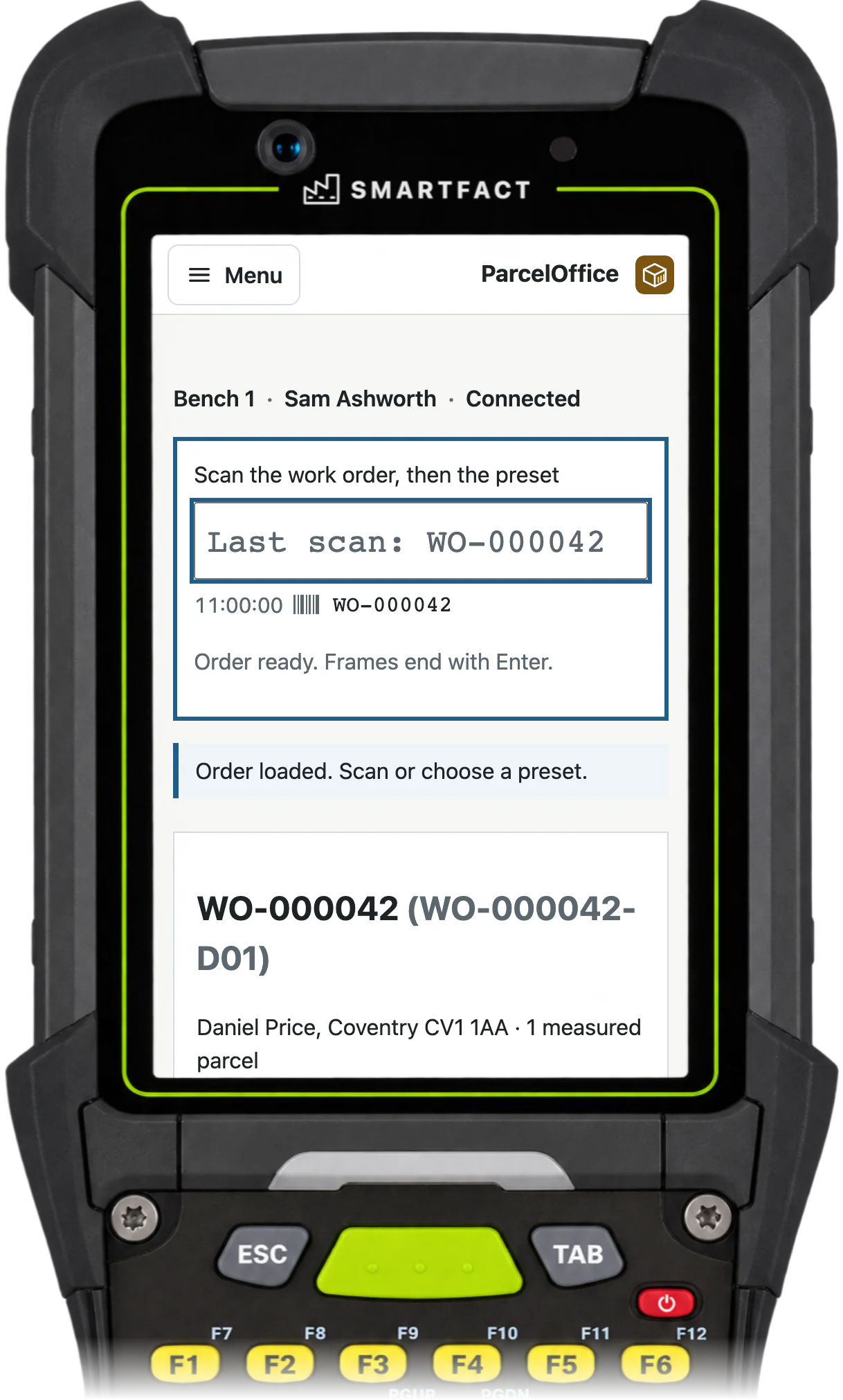
In Manual mode the operator scans the preset. Assisted recommends one preset and the operator confirms it. Automatic selects it at an armed, attended station that your team has qualified. In every mode, people pack the parcel and confirm what goes in it.
Rules that pick a preset or hold
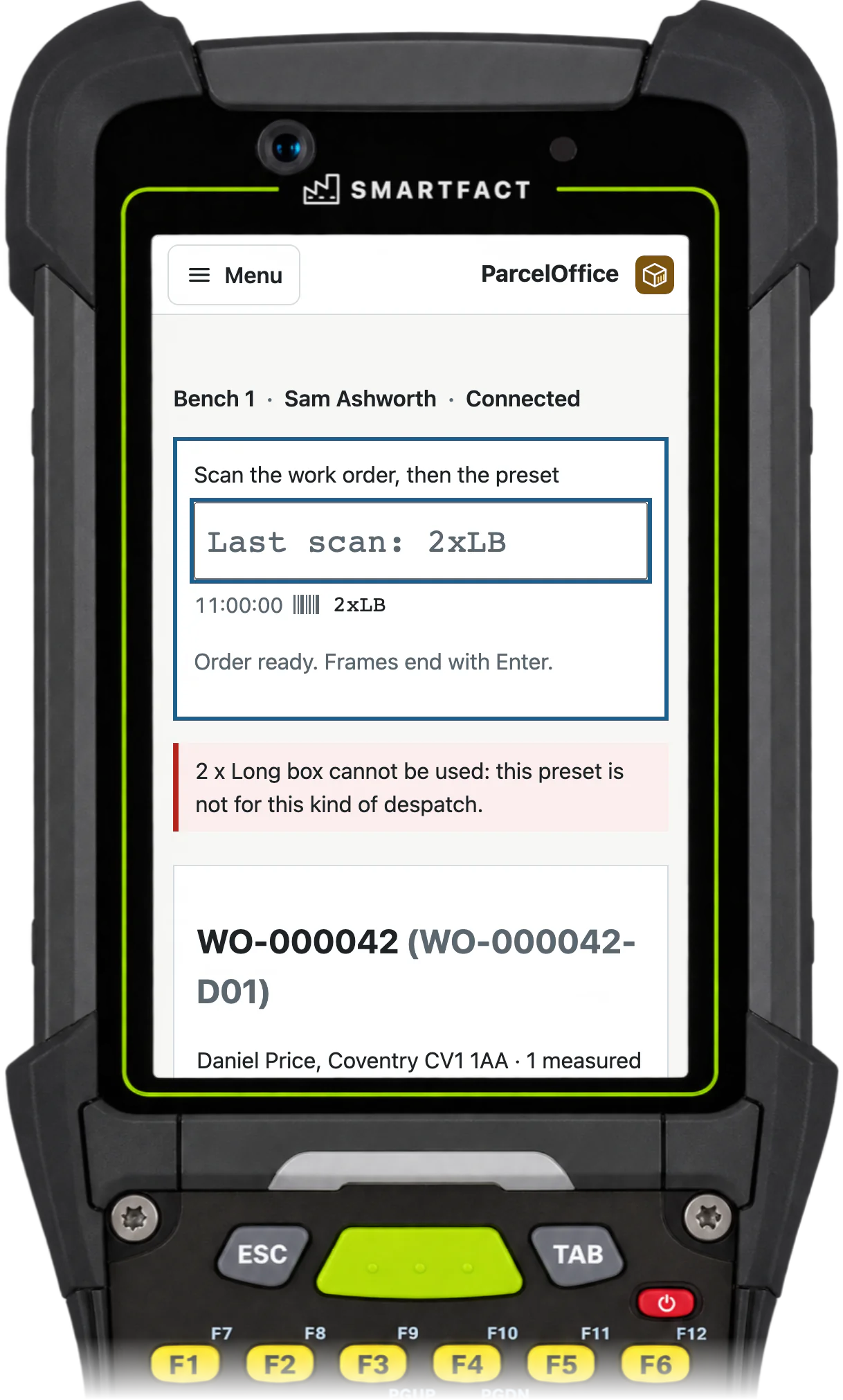
For example, for customer ACME-01, one package of up to 750 g selects the approved Small Parcel preset, and any other combination is held for packing review. A rule can only choose an approved preset or a hold; when rules disagree, the despatch is held rather than guessed.
Your couriers, your account
ParcelOffice books the major UK couriers on your own account, using the services in your approved presets. We connect the couriers you use during onboarding.
Labels through PrintStation
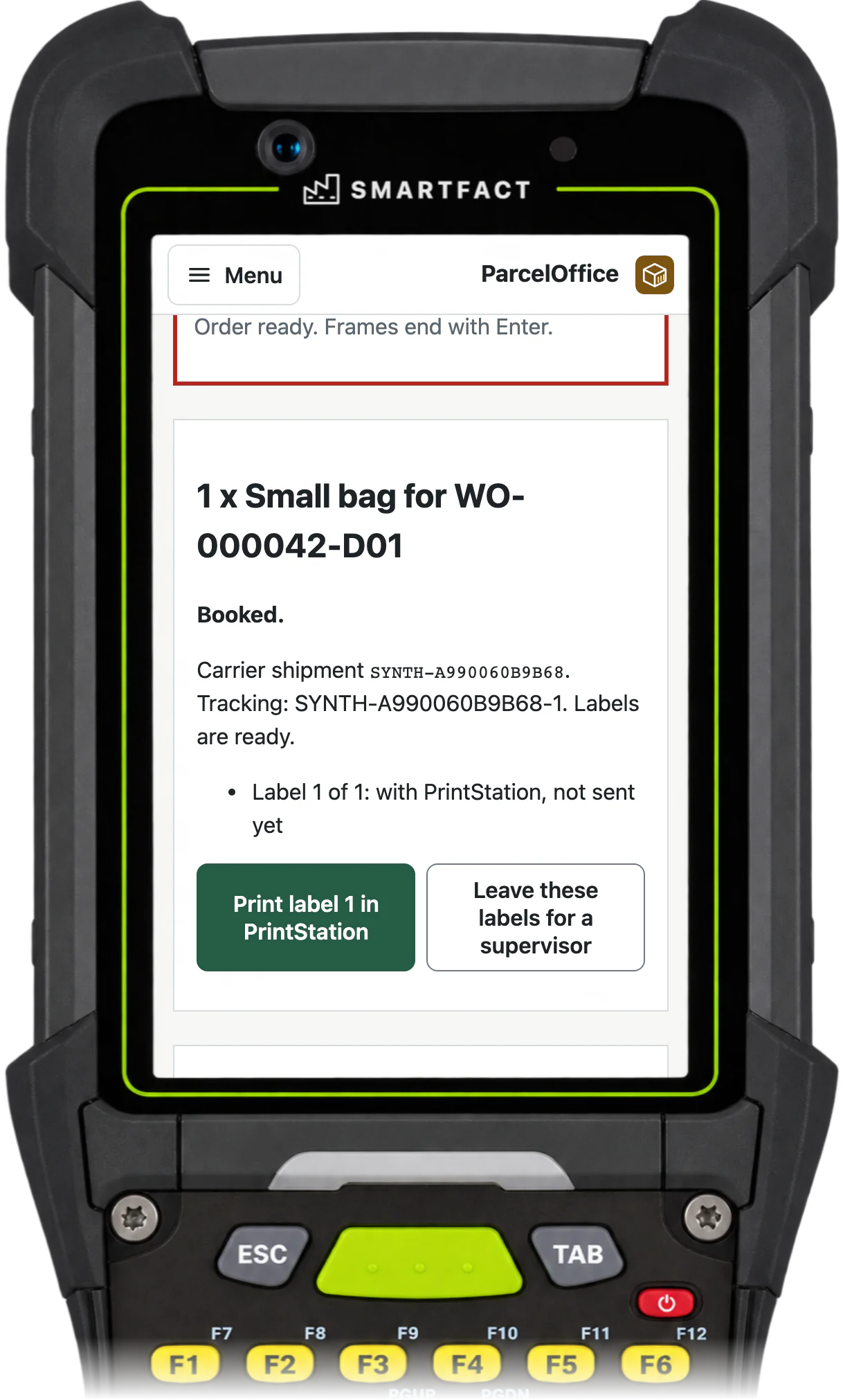
Each booked label is handed to PrintStation for your label printer, and tracking goes back to the work order. Booked, label sent and printed are recorded as separate events.
Approve presets and rules first
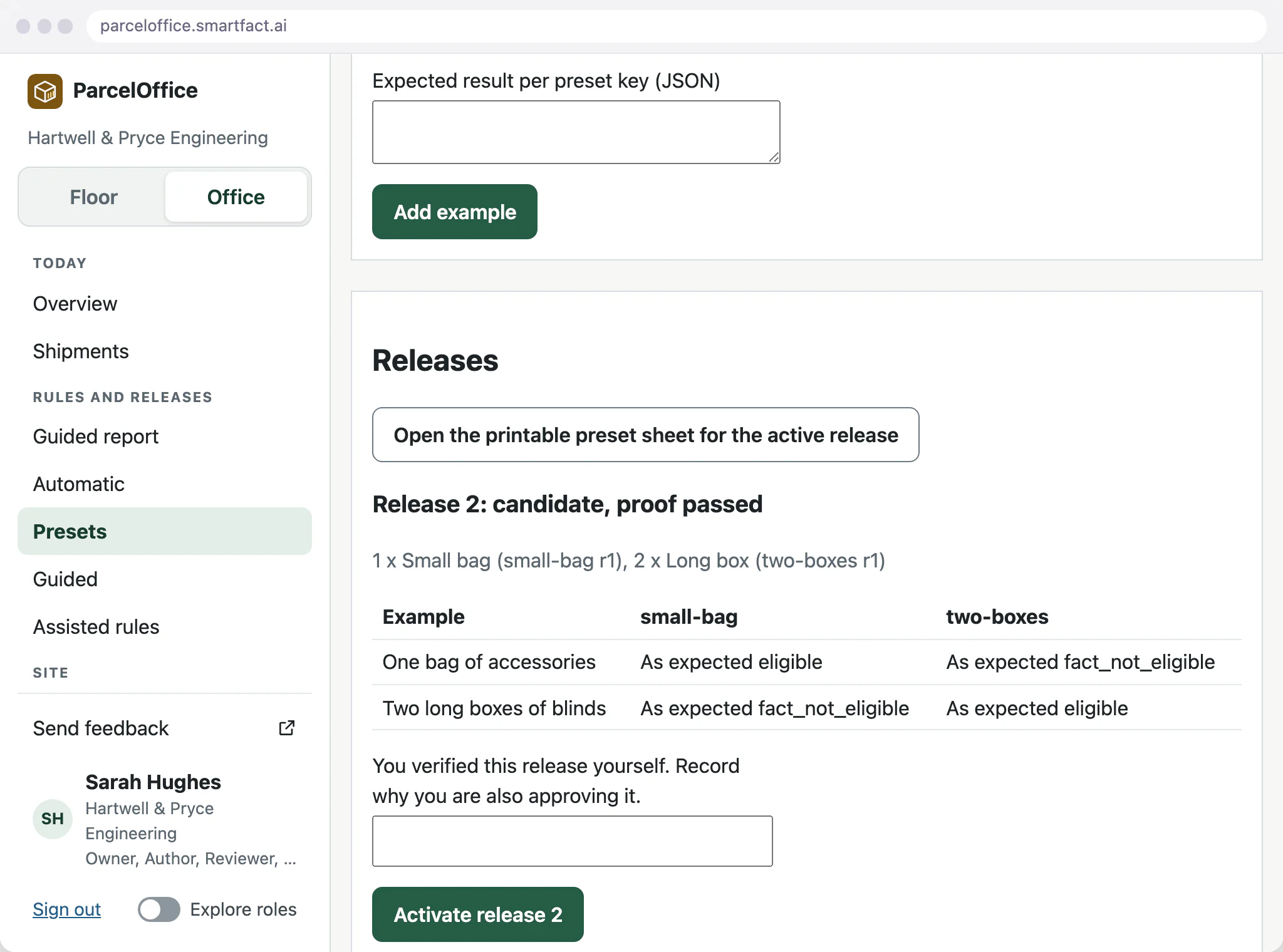
Every preset needs eligible and ineligible examples with expected answers. Verification checks them before a release can be activated, and old preset codes never quietly gain a new meaning.
Write, test and approve these rules in SmartFACT Automation
Preset selection rules and Guided offers can be described in plain English in SmartFACT Automation, where AI proposes the rule and a plain restatement, or built directly in the structured editor. Either way the rule is checked against examples your team agreed in advance and approved by a reviewer before ParcelOffice applies it. ParcelOffice then runs the approved rule itself, with no AI call when the decision is made. Automation is included with ParcelOffice’s paid plan.
What ParcelOffice does not do
- Compare courier prices or shop for rates.
- Run unattended. Automatic is an armed, attended station.
- Measure parcels or arrange collections.
Common questions
Does it choose the cheapest courier?
No. Rules choose one of your approved presets, each with its own courier service, from the order details you declare.
Which couriers does it work with?
The major UK couriers on your own account. Tell us which you use, and we connect them during onboarding.
Can shipping labels be created automatically?
Yes. Once a preset is chosen or confirmed, ParcelOffice books the shipment and sends the labels through PrintStation.
Related pages
Early access starts with an agreed workflow. Supported scope and onboarding arrangements are confirmed with you.


